
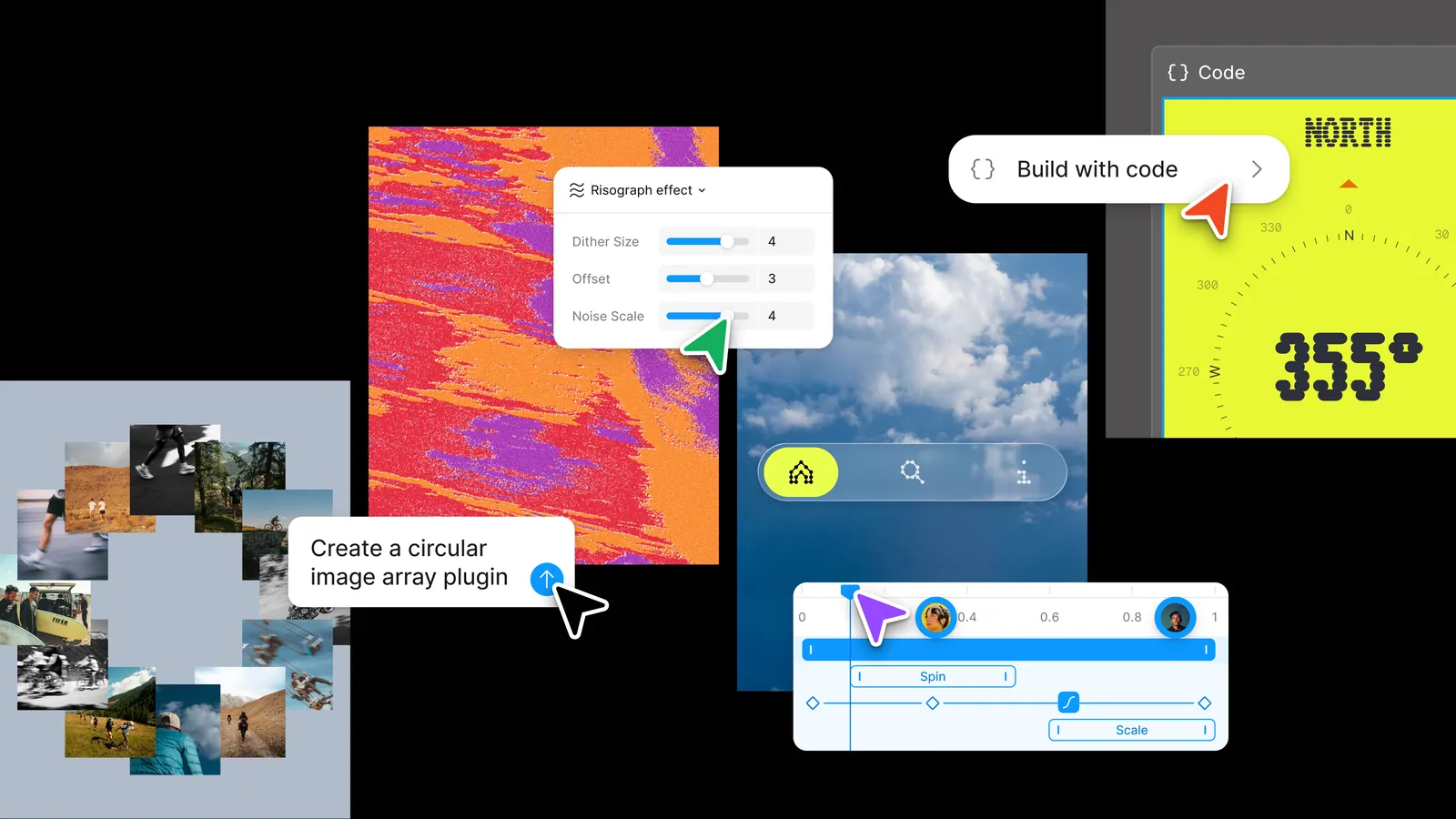
Figma Design
Design, prototype and hand off in one place
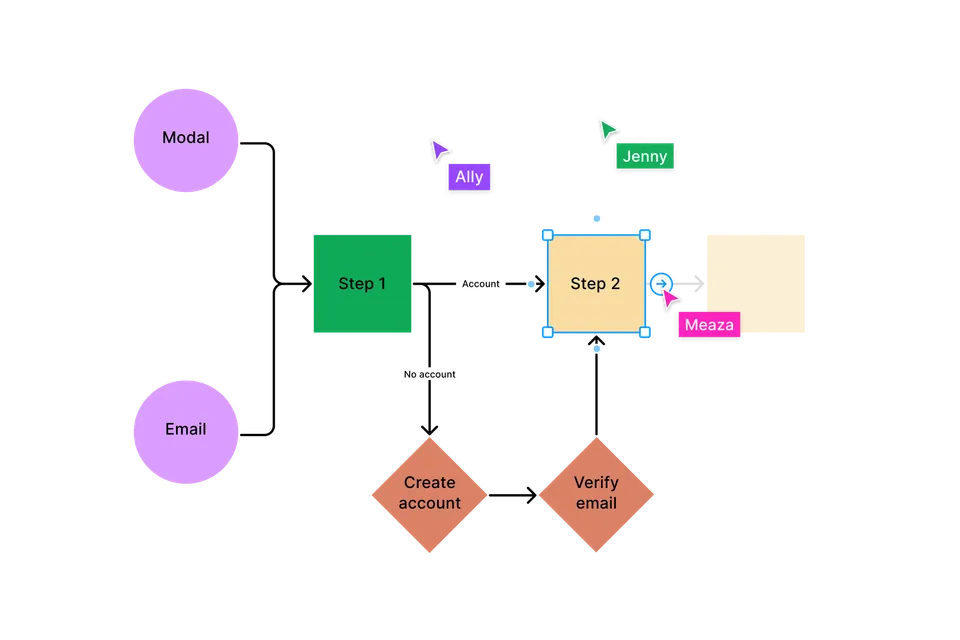
Design, prototype and hand off to the development team on one platform. Everyone works on the same files and sees each other's edits instantly.

 Authorized reseller | Figma
Data Express supplies Figma Design, FigJam, Figma Slides and Dev Mode to Thai organizations, and handles organization account setup, Seat types and team training, so designers and developers can work from the same files.
We are an authorized Figma reseller and handle both purchasing and renewals.
We support hundreds of enterprise customers across Atlassian, Adobe, Miro, Figma and other brands.
Our Thai-speaking team helps with account setup, team training and usage questions.
You can buy Figma online yourself, but many organizations need procurement documents that follow their rules, and someone to support them after the purchase. We take care of both.
Ask about ordering, setup and usage in Thai, by phone or LINE.
We help track Seat types, user counts and renewal dates, so each person gets the Seat that fits their work.
We help set up team structure, files and connections to other tools, so your team starts quickly and stays organized from day one.
The core products on the Figma platform that design, product and development teams share. We note any that are still in Beta.
Design, share and test screens for websites, apps and digital products, with vector drawing tools built in.
Best forUI/UX designers and product teams
An online whiteboard for brainstorming, meetings and planning together.
Best forTeams that run workshops or plan work with several departments
Create presentations and pull work from Figma Design straight into your slides.
Best forTeams that present designs or product plans
Hand off from design to code. Developers see specs, spacing and Components in one place.
Best forDevelopers who pick up work from the design team
Build working prototypes and web apps from a text Prompt or an existing design.
Best forTeams that want to prototype fast to test ideas
Build and publish responsive websites from designs in Figma.
Best forTeams that need a one-page site or campaign page quickly
Produce on-brand static visuals from templates your team defines.
Best forMarketing and brand teams that produce a high volume of visuals
Example screens from Figma that design, product and development teams use together.
Design, prototype and hand off to the development team on one platform. Everyone works on the same files and sees each other's edits instantly.
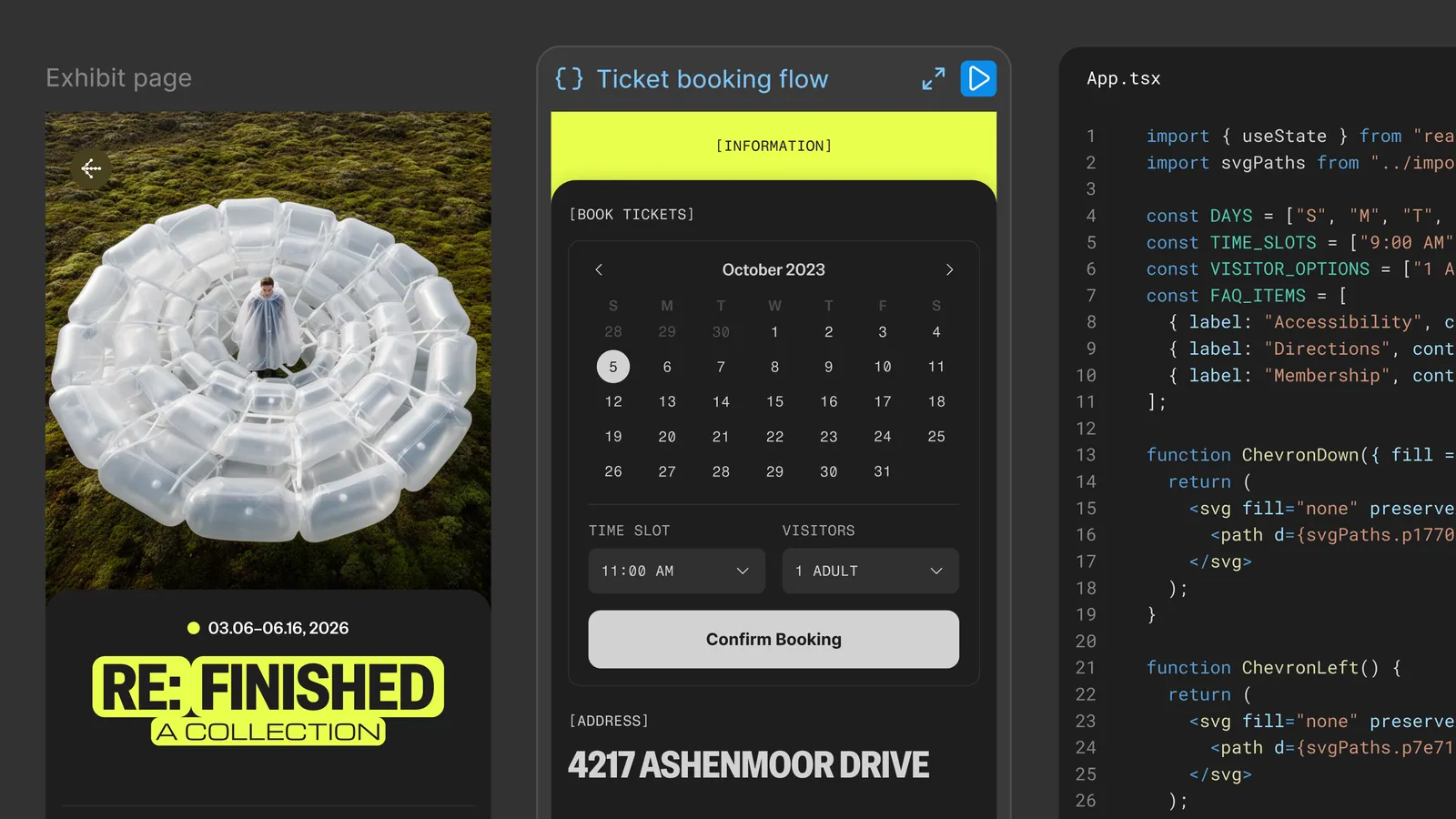
Build clickable prototypes from a text prompt or an existing design, with code for the development team to continue from. Your team can test ideas with users sooner.
Figma offers Starter, Professional, Organization and Enterprise plans. This table gives you a rough picture, and we'll confirm the details with you before you order.
| Starter | Professional | Organization | Enterprise | |
|---|---|---|---|---|
| Best for | Individuals or small teams just trying it out | Design teams that collaborate regularly | Multiple teams that need one shared design standard | Large organizations that need full control and governance |
| Dev Mode | Not included | Included by Seat type | Included by Seat type | Included by Seat type |
| Admin and governance | Basic | Team-level sharing controls | More organization-level controls | Advanced administration for organizations |
| Typical buying route | Self sign-up online | Through Data Express | Through Data Express | Through Data Express, with a contract |
Plan details may change with Figma announcements. Check the latest on the Figma website or ask our team before you order.
Figma licenses are priced by Seat type, so you can give each person the Seat that fits their work and budget accurately.
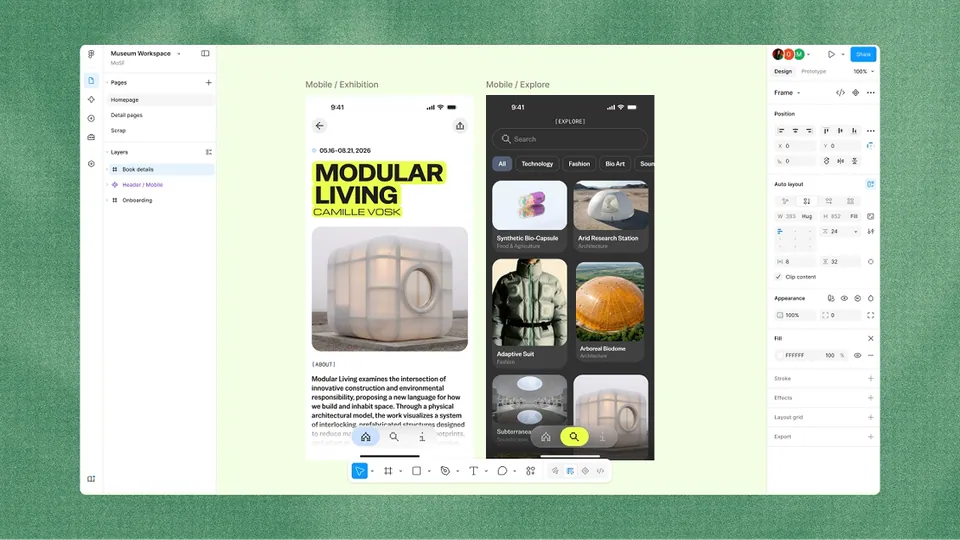
For people who create and edit designs. Works across Figma Design, FigJam, Slides and Dev Mode.
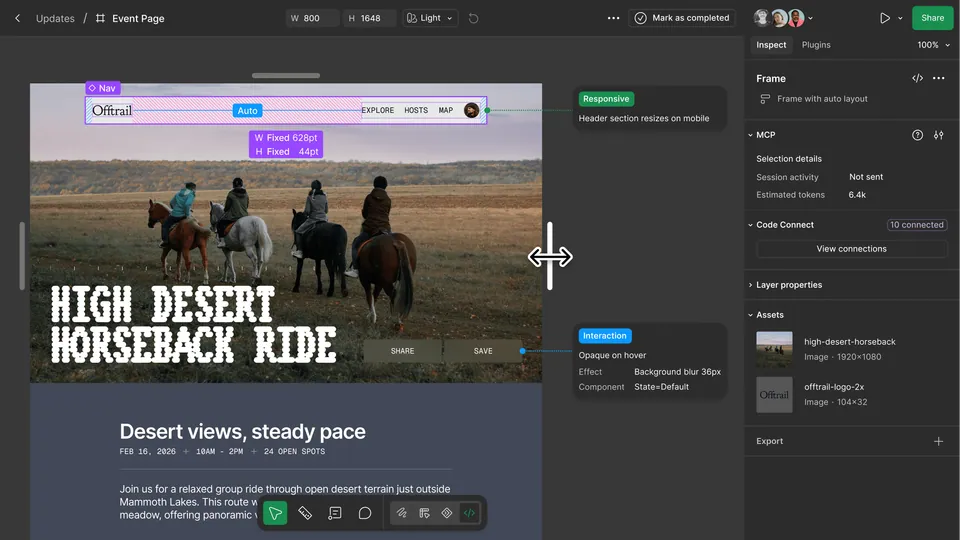
For developers who view specs and pick up work from designs. Includes Dev Mode, FigJam and Slides.
For people who collaborate on FigJam and Slides, such as product or business teams.
For people who open and comment on shared work. No charge.
We help your team start using Figma the right way from day one, and keep supporting you as the team grows.
Assign Seat types to match each person's role, and adjust them when user counts change.
Set up team structure, Projects and access permissions, including administration settings for your organization.
Advice on organizing Libraries and Components, so multiple teams can share one design standard.
Training in Figma Design, FigJam and Dev Mode for designers, developers and product teams.
Add Seats during the year, and remind you before your renewal date.
Have another question? Call 02-437-2697 or message us on LINE at @dataexpressth.
You get a team that helps with setup and training, and someone who tracks your renewals.
A Full seat can create and edit everything. A Dev seat focuses on picking up work through Dev Mode. A Collab seat is for collaborating on FigJam and Slides. A View seat can open and comment.
Yes. Tell us the number and type of Seats you need, and we'll handle the order under Figma's terms.
Our team notifies you before the renewal date, so procurement has time to process it.
Yes. We help set up accounts and access permissions, and provide training within the agreed scope.
Tell us how many people are on your team and how each person works, and we'll recommend the right plan and Seat types. Call 02-437-2697 or message us on LINE @dataexpressth.