What Is Jira Service Management? A Getting-Started Guide for IT and Service Teams
Most IT departments take requests from many channels: email, LINE, phone, and people walking up to their desk. Without a central system, requests slip through and nobody sees the full picture. This guide explains how Jira Service Management handles them, from the core ITSM processes, Help Center, and SLAs to Assets and AI, with a starting approach your team can put to use.
What is Jira Service Management?
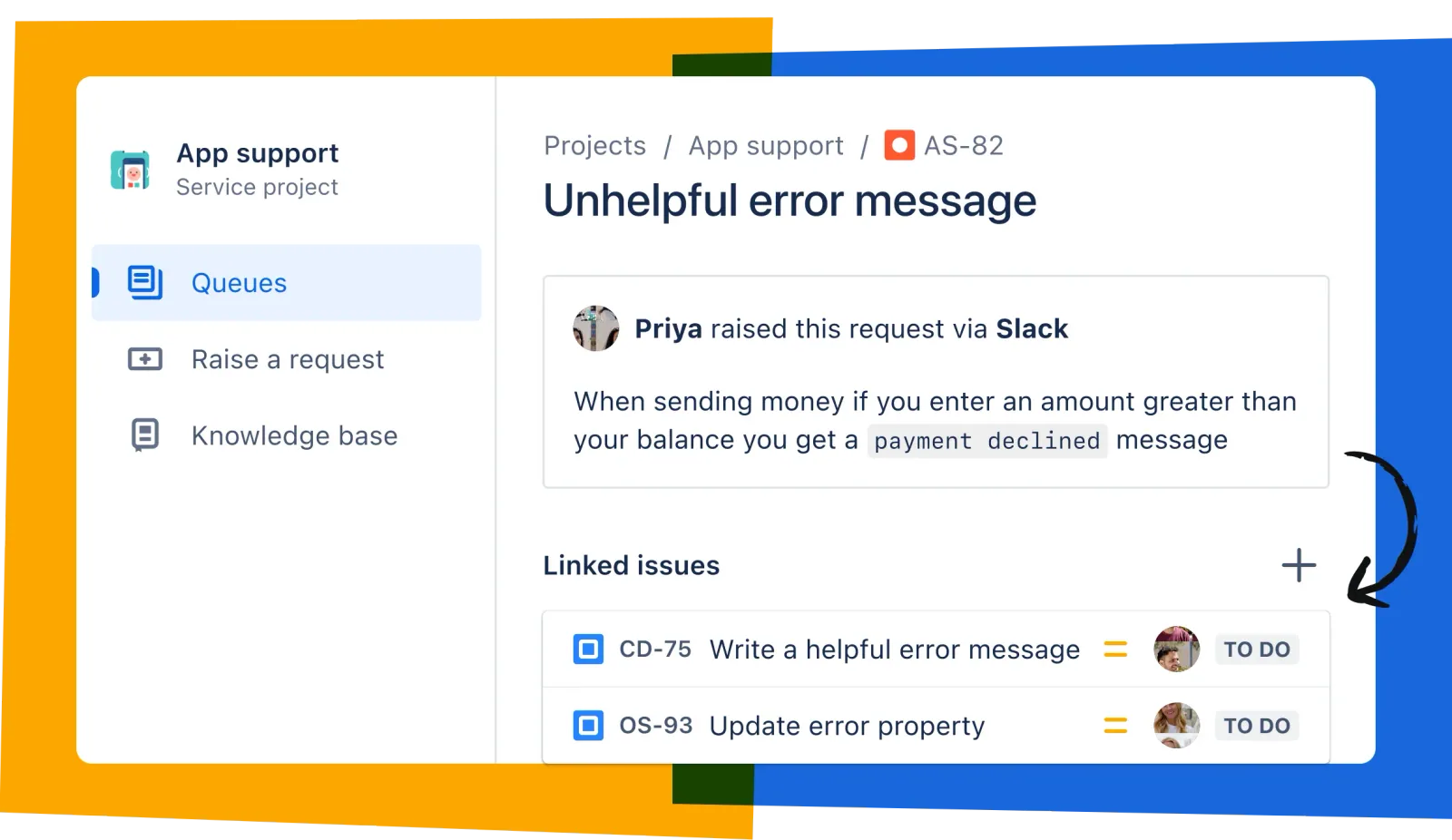
Jira Service Management is Atlassian software for teams that receive and handle requests from other people. It brings requests, Incidents, Problems, Changes, Assets data, and a knowledge base together on one platform. IT, HR, Facilities, and other service teams in the organization can all use it.
Jira Service Management runs on the same platform as Jira, so IT can link an Incident directly to the development team's fix without copying data between systems. Jira Service Management is now one of the apps in the Service Collection, which brings together Jira Service Management, Customer Service Management, Assets, and Rovo.
How is it different from Jira?
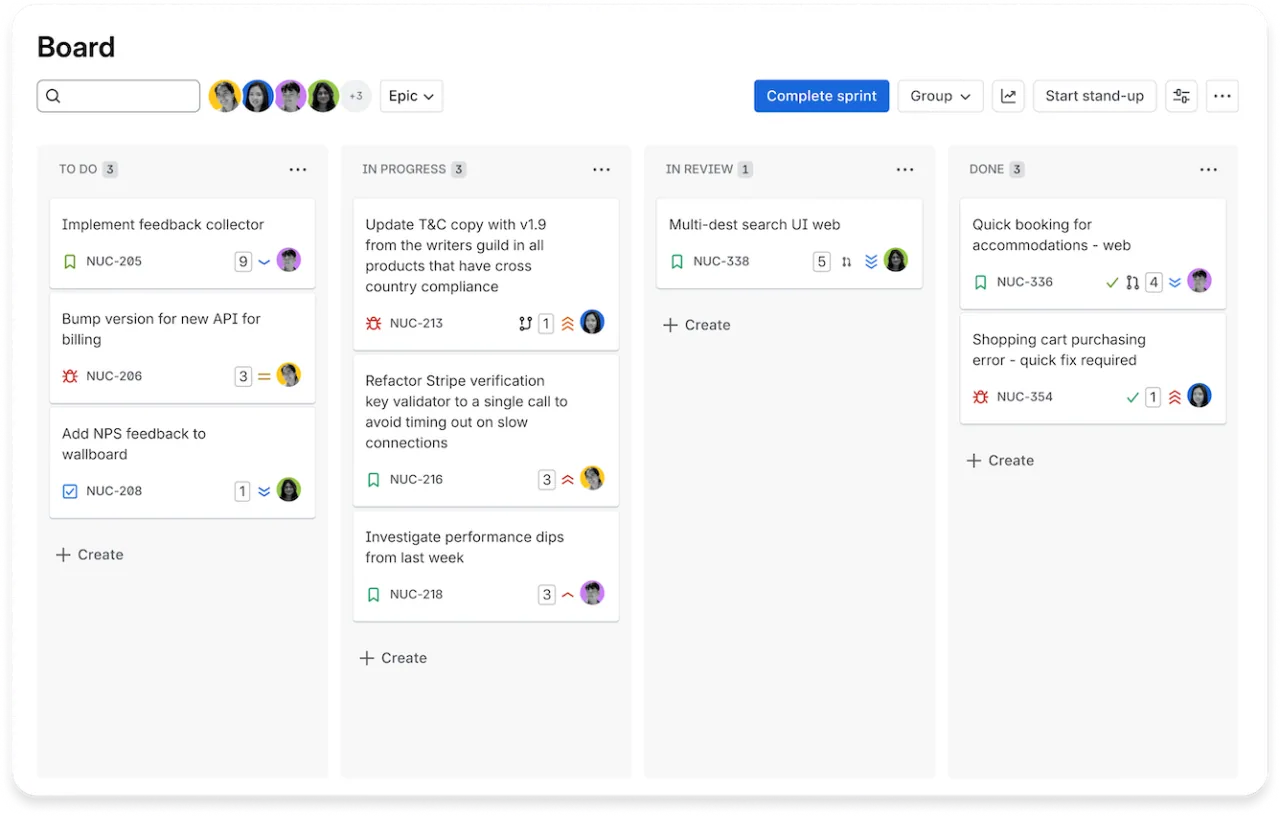
Jira is for planning and tracking work inside a team, while Jira Service Management is for taking requests from people outside the team. So it has parts Jira doesn't: a Help Center where employees raise requests and follow their status themselves, queues for agents, and SLAs for tracking response and resolution times.
How is it licensed?
Jira Service Management is licensed by the number of agents, meaning the staff who receive and resolve requests. Employees who raise requests through the Help Center don't need a license. So an organization can let every employee raise requests without buying more licenses as headcount grows.
The core ITSM processes: Incident, Request, Problem, and Change
ITSM (IT Service Management) is about setting up procedures so IT serves employees in an organized way. Jira Service Management supports four core processes, each with a different goal.
Incident: a system is down and must be restored fast
An Incident is an event that stops or slows a service without warning, such as a whole floor of employees being unable to access email. The goal is to restore the service as quickly as possible. Jira Service Management receives alerts from monitoring tools, groups related alerts, creates Incidents automatically, and notifies whoever is on call according to the on-call schedule and escalation order your team defines.
Request: employees ask for what they need
A Request is an ordinary ask that isn't a fault, such as access to a system, a laptop for a new hire, or a software installation. The IT team organizes requests into types in a Service Catalog, and each type has its own form and approval steps.
Problem: find the root cause of recurring issues
A Problem is the root cause behind multiple Incidents, such as a printer on the same floor failing every week. A Problem record links to the related Incidents, Changes, and Assets, so the team can see recurring patterns and fix the cause instead of treating symptoms one at a time.
Change: change systems in a controlled way
A Change is a planned change to a system, such as upgrading firewall firmware or deploying a new version of an application. Jira Service Management helps assess risk, route approvals in order, and show a Change calendar so every team can see what will change and when. Low-risk Changes can be set to approve automatically, and deployments through a CI/CD pipeline can create Change records on their own.
We recommend starting with Requests and Incidents, since they come in every day. Once the team is comfortable with the system and has built up some data, add Problems and Changes in turn.
Help Center, queues, and SLAs
The Help Center, or portal, is the web page where employees raise requests and follow their status themselves. They choose a request type, fill in a form, and see progress without having to call and ask. Requests that arrive by email and chat channels also land in the same system.
The path of a single request
- The employee opens the Help Center and searches for an article that might answer the question. If they don't find one, they choose a request type
- The employee fills in a form that asks only for the information the IT team needs
- The request goes into a queue based on its type or the conditions you've set, and the system starts the SLA clock
- An agent picks up the request, or Automation assigns it to whoever looks after that area
- If the request needs approval, the system sends it to approvers in order
- The agent resolves and closes the request, and the system notifies the employee who raised it
Queue
A queue is a list of requests waiting to be handled, split by conditions your team defines, such as requests with no assignee, urgent requests, or requests close to breaching their time. Each agent knows which request to pick up first, and team leads can see the workload of the whole team.
SLA
An SLA in Jira Service Management is a time target, such as the time to first response and the time to resolution. Teams can set targets by request type or priority, and have the system escalate before time runs out. Team leads can then step in before users complain.
Don't set SLA targets from the numbers you wish you had. Let the system collect actual response and resolution times for a while, then set targets your team can meet. Targets that are unrealistically high keep the screen red all the time, until the team stops paying attention.
Assets: equipment and system data tied to every request
Assets is Atlassian's CMDB (Configuration Management Database), built into Jira Service Management. It stores information about what IT looks after, such as laptops, servers, applications, and services, along with the relationships between them, for example which server an application runs on and who owns it.
When you link Assets to requests, Incidents, and Changes, the IT team can see immediately which device or system a request concerns, and if a server is going to change, which services it will affect. Assets is available in Jira Service Management and the Service Collection.
Checklist before bringing data into Assets
- Decide which types of data you actually need to keep, such as user devices, servers, and applications
- Identify the main source of data for each type, such as an Excel file, the procurement system, or a network scanning tool
- Name who is responsible for the accuracy of each group of data
- Agree how to update data when equipment enters or leaves the organization
- Choose only the relationships you really need, before building a complex structure
AI in Jira Service Management: Virtual service agent and Rovo
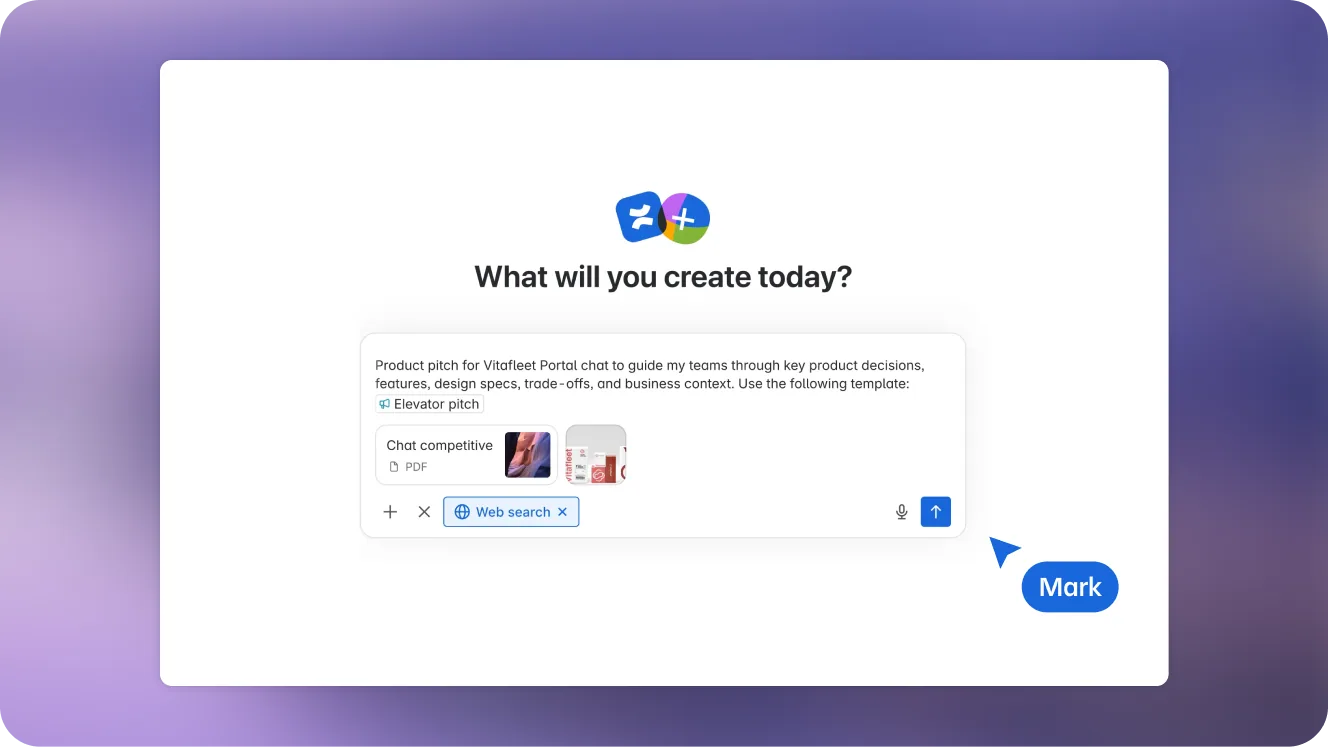
Jira Service Management has AI that reduces the repeat questions your IT team has to answer. A virtual service agent can automatically answer employees' common questions and requests. This capability is available in some packages, and an organization admin must turn on AI first. After that, space admins can set up the virtual service agent.
Teams can also add a Rovo agent to the Help Center. It currently works for portal users who have an Atlassian account, so it fits Help Centers for an organization's own employees. Rovo uses data according to each user's permissions, so people who ask get answers only from content they already have permission to see.
Before turning on AI, write articles for your most common questions first, such as forgotten passwords, VPN setup, or folder access requests. Clear, up-to-date articles help AI answer correctly, and also help employees who look for answers themselves.
Beyond IT: ESM and Customer Service Management
ESM (Enterprise Service Management) applies the service desk approach to receiving requests to other teams in the organization. Jira Service Management supports business teams such as HR, Facilities, and Finance. Each team has its own queues and forms, while employees raise every kind of request through the same Help Center.
- HR: onboarding new employees, employment certificate requests, and benefits questions
- Facilities: repair requests, space bookings, and seat move requests
- Finance: expense claims, purchase approval requests, and document status inquiries
We can help set up ESM for these teams, and we recommend starting with one team. Once the process settles, expand to the next.
Customer Service Management for external customers
If your organization also looks after external customers, Atlassian offers Customer Service Management, a separate product in the Service Collection designed for customer service work, with AI agents that help resolve customer issues across multiple channels. Existing Jira Service Management customers get Customer Service Management when they move to the Service Collection.
- Jira Service Management: focused on serving employees inside the organization, such as IT, HR, and Facilities
- Customer Service Management: focused on serving external customers, such as a software company's support team or an after-sales service team
Plans and how to get started
Jira Service Management has Free, Standard, Premium, and Enterprise plans. Higher plans add more Assets, AI, and support capabilities. If your organization also needs Customer Service Management, look at the Service Collection, which brings everything together. We can help work out which package fits your number of agents and the processes you need.
Start with one team
- Choose a pilot team and the three to five request types that come in most often
- Set up the Help Center and keep the forms short, asking only for the information you need
- Connect the email address employees already use to raise requests to the system
- Set up basic queues and SLAs, then collect real data
- Write articles answering common questions in the Help Center
- Add Problems, Changes, and Assets in turn as the team is ready
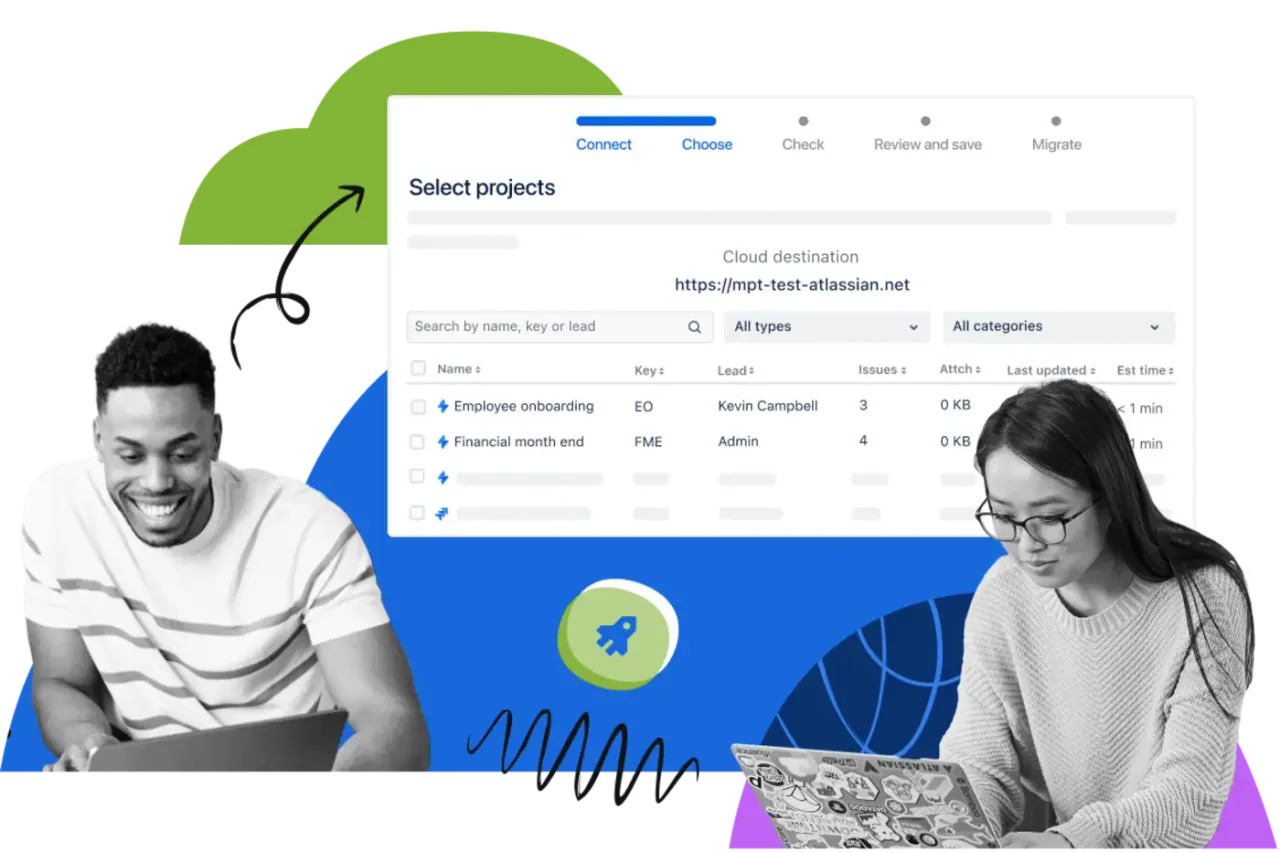
Data Express sets up ITSM on Jira Service Management across Incident, Request, Problem, Change, and Assets; configures SLAs, workflows, and Automation; connects to Active Directory or Microsoft Entra ID, email channels, and monitoring tools; migrates data from your existing helpdesk system; and trains your team. After go-live, our Premium Support service looks after and manages the system Monday to Friday, 8:30 a.m. to 5:30 p.m. (Thailand time), excluding public holidays. We are an Atlassian Gold Solution Partner, and we've gathered the full details of our services on the ITSM & ESM page.
Frequently asked questions
What is Jira Service Management, and how is it different from regular Jira?
Jira Service Management is Atlassian software for receiving and handling requests from employees or customers. It has a Help Center for raising requests, queues for agents, and SLAs for tracking time. Jira is for planning and tracking work inside a team. Both run on the same platform and can link work to each other.
What is ITSM, and what are its processes? How do Incident, Problem, and Change differ?
ITSM is about setting up procedures so IT delivers service in an organized way. The core processes are Incident, a fault that must be restored fast; Request, an ordinary ask; Problem, finding the root cause of recurring Incidents; and Change, a system change that is planned and approved before it is made.
How is JSM licensed? Do users who raise requests need a license?
Jira Service Management is licensed by the number of agents, meaning the staff who receive and resolve requests. Employees who raise requests through the Help Center don't need a license. If you'd like help estimating the number of agents and choosing a plan, book a call with us.
What is Assets in Jira Service Management, and can it replace a CMDB?
Assets is Atlassian's CMDB, built into Jira Service Management. It stores information about devices, systems, and services along with the relationships between them, and links to requests, Incidents, and Changes. Whether it can replace your current CMDB depends on your data and the systems you need to connect. We can help assess your existing data before you decide.
How is Customer Service Management different from Jira Service Management?
Customer Service Management is a separate product in the Service Collection designed for serving external customers, with AI agents that help resolve issues across multiple channels. Jira Service Management focuses on serving internal employees, such as IT, HR, and Facilities.