Meet Rovo: An AI Agent That Works Across Jira and Confluence
Teams lose a lot of time hunting for documents, asking each other where work stands, and pulling together information from many places. Rovo is Atlassian's AI that works inside Jira and Confluence. It helps with search, answers questions from your team's data, and includes agents that take over repetitive work. This article covers what Rovo can do, which plans include it, and what your organization should prepare before turning it on.
What is Rovo?
Rovo is Atlassian's AI capability, built into apps such as Jira, Confluence, and Jira Service Management. Users don't need to switch to a separate AI tool, because Rovo works in the screens your team uses every day. Rovo has four main parts.
- Rovo Search: search across Jira, Confluence, and other connected apps from a single search box.
- Rovo Chat: ask in natural language and get answers based on your organization's own content.
- Rovo Agents: agents that help with specific tasks, such as summarizing, drafting content, or triaging new work.
- Rovo Studio: a no-code tool for building your team's own agents.
Teamwork Graph gives Rovo the context of your work
Behind Rovo is the Teamwork Graph, which connects work, documents, people, and decisions across Atlassian apps and connected apps. Rovo therefore understands how the work, documents, and people in your organization relate, so its answers reflect the real context of your work, not just matching keywords.
What can you do with Rovo in Jira and Confluence?
The examples below are basic tasks your team can try first, before building agents of your own later.
In Jira
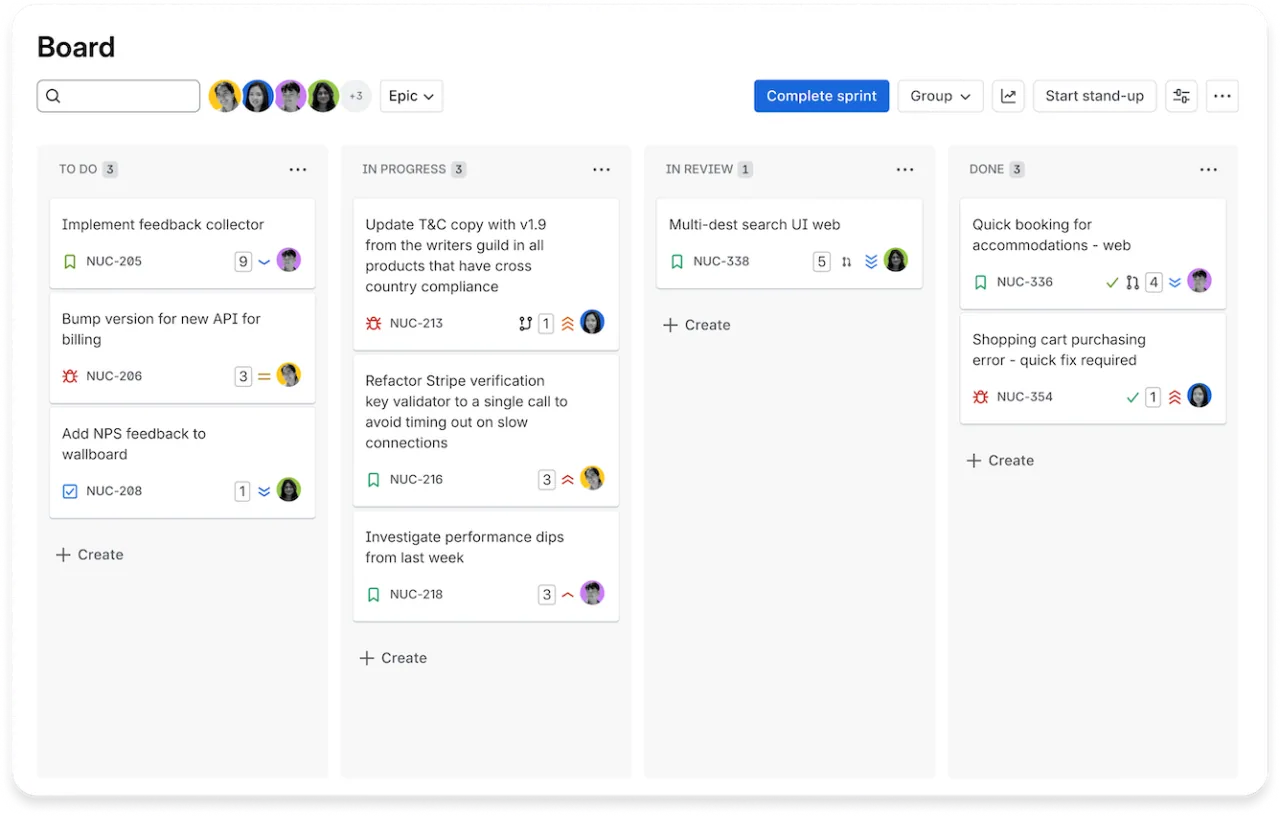
- Ask Rovo Chat what work in a space is still open, or which work item is stuck, instead of opening items one by one.
- Have an agent summarize progress from the statuses and comments on work items before a team meeting.
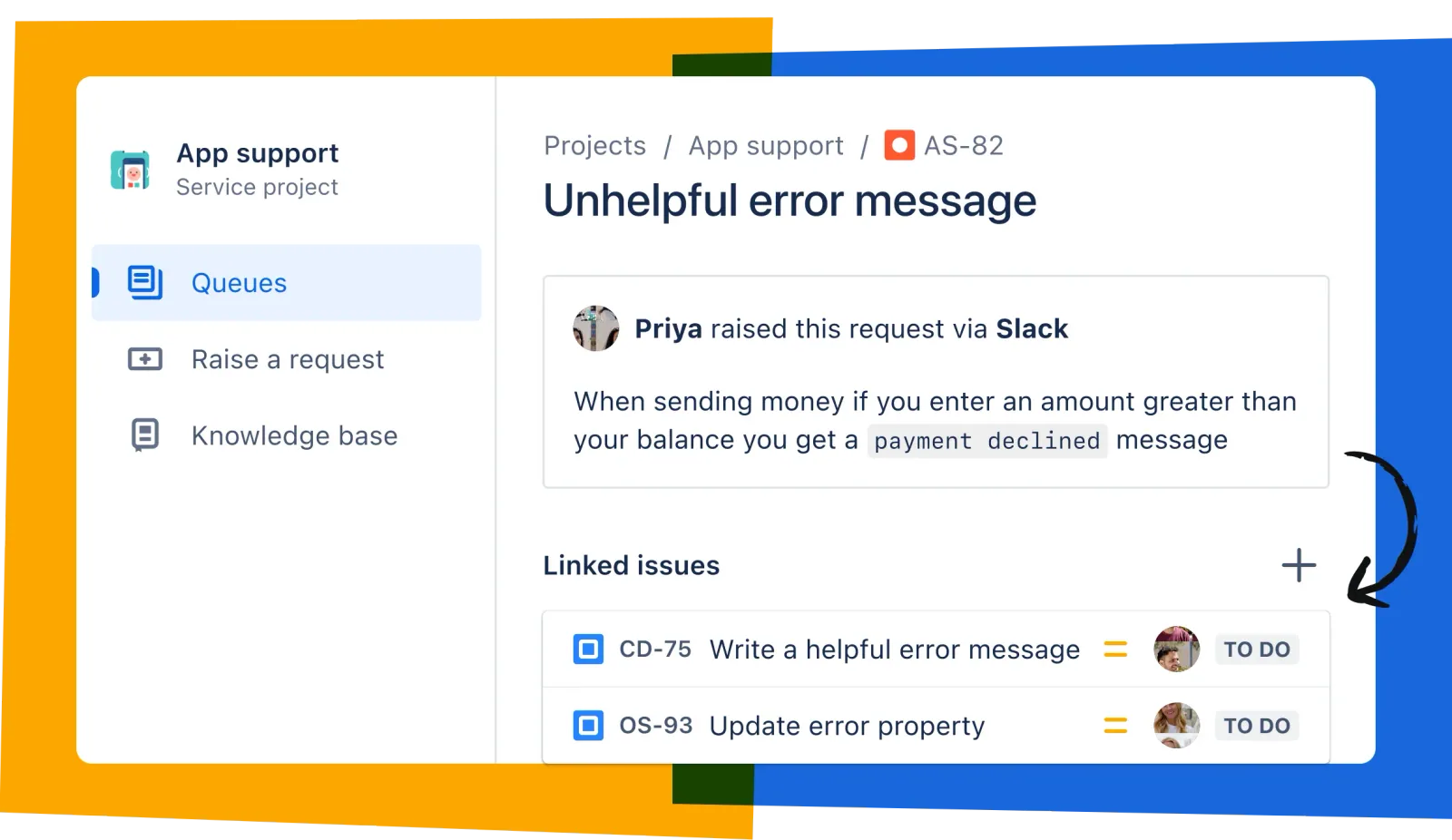
- Have an agent help draft the details of a new work item or triage incoming work.
- Search for work items, documents, and related information from a single search box.
In Confluence
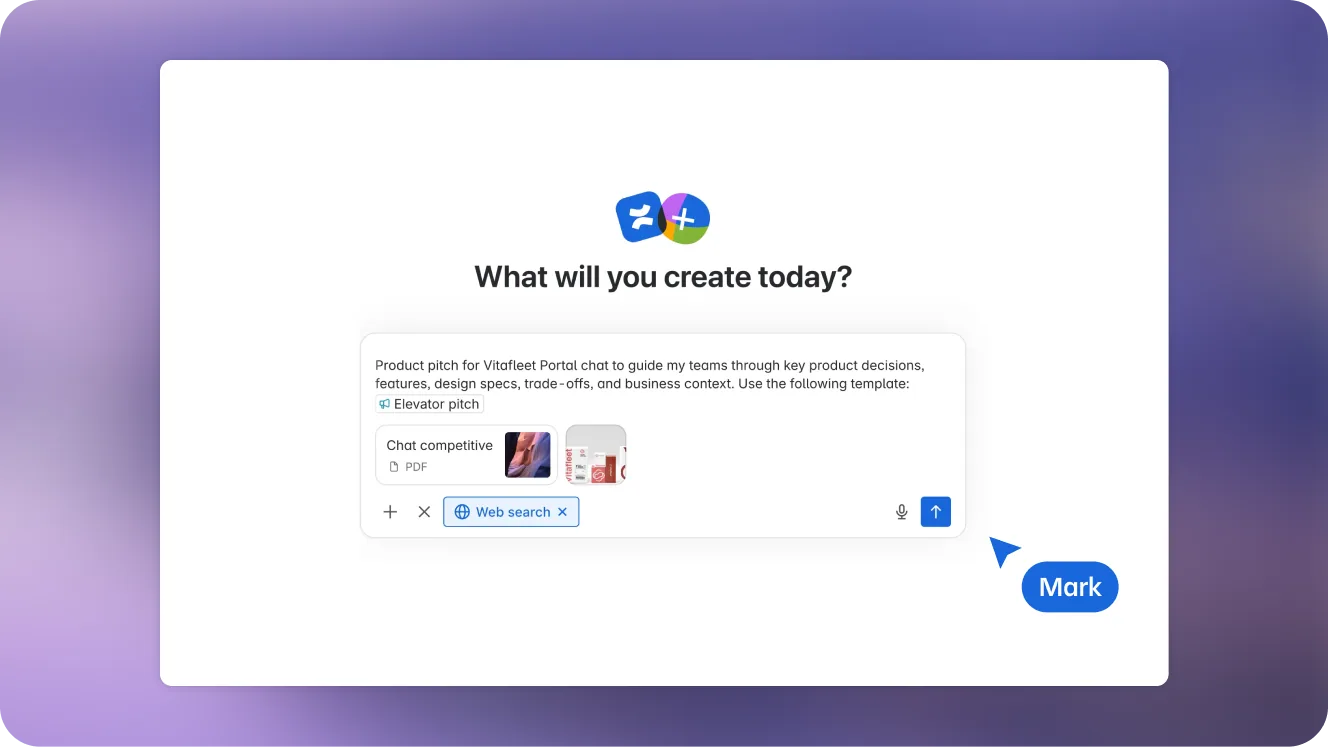
- Draft a new page from a prompt and the documents your team already has, then let the team edit it.
- Summarize a long page, or several related pages.
- Ask questions of your team's knowledge base instead of opening pages one at a time.
In Jira Service Management
Jira Service Management can place a Rovo agent in the help center so employees can find answers on their own before opening a request. Conditions and supported plans differ by feature. See our Jira Service Management article for details.
The quality of the answers depends on the quality of the data in Jira and Confluence. If documents are scattered or out of date, Rovo can't answer as well as it should.
Which plans include Rovo?
Rovo is included in the Standard, Premium, and Enterprise plans of Jira and Confluence. The Free plan does not include Rovo.
Rovo is also part of Teamwork Collection, which includes Jira, Confluence, Loom, and Rovo, and of Service Collection, which includes Jira Service Management, Customer Service Management, Assets, and Rovo.
On supported plans, Atlassian turns Rovo on automatically, so users can see Rovo in Jira and Confluence right away. Admins should set a usage policy beforehand rather than fixing things afterward.
Higher plans may include more AI capabilities, such as the virtual service agent in Jira Service Management, which is available on the Premium and Enterprise plans. Before choosing a plan, check the latest details with us or on Atlassian's plans page.
Build your team's own agents with Rovo Studio
Besides the agents Atlassian provides, your team can build its own agents in Rovo Studio without writing code. Start from a template or from a blank page. The main steps are as follows.
- Define the role: what the agent does and for whom, such as answering questions about IT policy.
- Choose knowledge sources: the Confluence spaces or Jira data the agent uses as reference.
- Set what the agent can do: for example, read-only, draft comments, or update work items.
- Test with a small team, then share it with others.
Rovo Studio can also be used to build automations and apps. When you need more than no-code tools offer, developers can build on Forge. If your organization wants to connect agents to internal systems, our team can develop apps on Forge for you.
Agent ideas for your organization
- An agent that answers new-hire questions from the onboarding guide in Confluence
- An agent that summarizes weekly work status for each space in Jira
- An agent that helps draft release notes from closed work items
- An agent that checks that a document page has all the headings required by a template before it is published
Admins can control separately who can use AI and who can build agents. We recommend starting with small teams who know the work well as the agent builders, then opening it up to other teams.
Security and your organization's data
The question IT and Security teams ask first is where the organization's data goes and how it is used. The key points from the Atlassian AI Trust Center are as follows.
Rovo sees only what the user is allowed to see
Rovo applies the user's existing permissions every time. An agent can access and edit only data that the user can already view or edit. If an employee doesn't have permission to open a space, Rovo does not use data from that space to answer.
Language models and data use
Rovo runs on language models, both from third-party providers and hosted by Atlassian itself. Atlassian states that the model providers it uses do not use submitted data or the responses to improve their own services, and operate under zero data retention terms. Organizations on the Enterprise plan can ask for Rovo to use only Atlassian-hosted models, through their account team or Atlassian support.
Technical details and security documentation are in the Atlassian AI Trust Center. We recommend that your Security team read it before you turn Rovo on across the organization.
Data residency covers stored data
Rovo is on the list of products that support Data residency. Stored data stays in the location the organization chooses, such as Singapore, but processing by language models may not always happen in the same location. If your organization has data location requirements, ask Atlassian for details first.
Rovo doesn't give anyone new permissions, but it searches much faster than a person can. A Confluence page that was accidentally set to be visible to everyone becomes much easier to find. Review the permissions of your important spaces before rolling out Rovo widely.
What admins can control
Organization admins can manage Rovo from Atlassian Administration. Here is what to set up from the start.
- Choose which Atlassian apps can use Rovo's AI features, through the Manage Rovo access page
- Separate the permission to use AI from the permission to build agents
- Choose the data storage location through Data residency on supported plans
- Control sign-in and user accounts with Atlassian Guard, such as SSO and user provisioning
What can be turned off or limited differs by feature type, and Atlassian adjusts these details from time to time. Before writing your organization's AI usage policy, check the latest Manage Rovo access page from Atlassian.
Start using Rovo safely
If your organization is already on the Standard plan or higher, Rovo is ready to use. What you need to do is prepare your data and policies. The list below helps you get started without creating new risks.
- Review the permissions of your Confluence and Jira spaces, especially spaces that hold personal data, financial data, or customer data.
- Have your Security team read the Atlassian AI Trust Center and agree on your organization's AI usage policy.
- Decide on Data residency if you haven't set it up yet.
- Set in Atlassian Administration which apps use Rovo and who can build agents.
- Pick one pilot team and define 2 to 3 tasks you want Rovo to help with.
- Organize your key documents in Confluence and bring them up to date so Rovo can answer more accurately.
- Train users on writing prompts and on checking answers before using them.
- Collect feedback from the pilot team, then expand to other teams.
Data Express helps Thai organizations review permissions, set up Rovo, build agents, and train teams in Thai. We are an Atlassian Gold Solution Partner, with 6 sales and 6 delivery accreditations from Atlassian.
Frequently asked questions
What is Rovo, and what can it do in Jira and Confluence?
Rovo is Atlassian's AI that works in Jira and Confluence. It searches across apps, answers questions from your organization's content, and includes agents that summarize, draft content, and triage work. Teams can also build their own agents in Rovo Studio.
Which Jira and Confluence plans include Rovo? Can I use it on the Free plan?
Rovo is included in the Standard, Premium, and Enterprise plans of Jira and Confluence. The Free plan does not include Rovo. Some capabilities differ by plan. Contact us to compare plans for your organization.
Is Rovo secure? Is my organization's data used to train models?
Rovo sees only data the user already has permission to see. Atlassian states that the language model providers it uses do not use submitted data or responses to improve their services, and do not retain the data. Full details are in the Atlassian AI Trust Center, which your Security team should read before turning Rovo on.
Can admins turn off Rovo or limit permissions?
Yes, it can be limited. Organization admins can set in Atlassian Administration which apps use Rovo's AI features and who can build agents. What can be turned off differs by feature type, so check Atlassian's Manage Rovo access page before setting your policy.
Can I build my own Rovo agents? Do I need to write code?
Yes, in Rovo Studio, with no code needed. Define the role, knowledge sources, and what the agent can do, or start from a template. To connect to internal systems, developers can build on Forge. Some capabilities may differ by plan.